Filtering Assets
Drill down to the content you want to see.
Written By El
Last updated About 1 year ago
Filters are available for Asset attributes such as Tags, Status, Asset Type, Favorites, Public Access, Custom Fields and more.
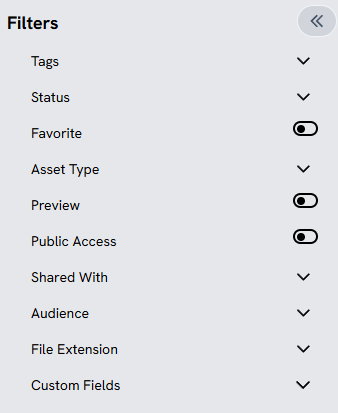
Access these filters at the left-hand sidebar when you are viewing Assets.
Was this helpful?
Still need help? Ask the team