Profile Settings
Written By El
Last updated 10 days ago
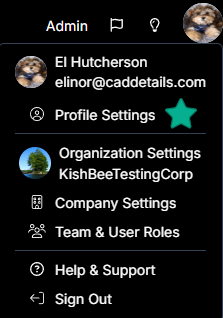
Click your profile button at the top right and select Profile Settings.
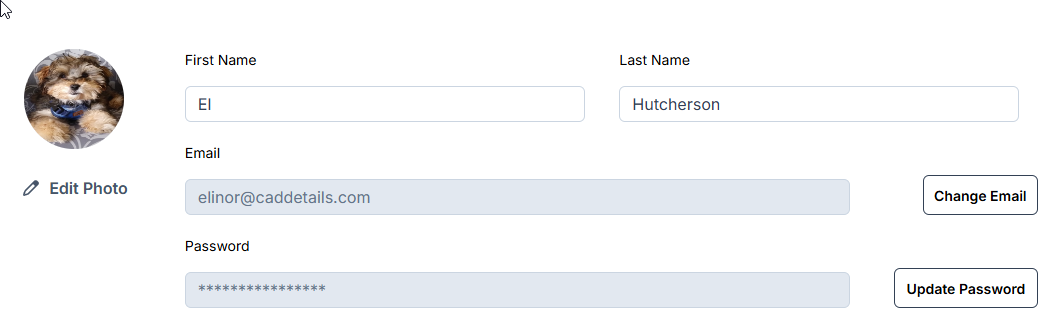
From here you can update your name, email, and password, and add, change, or remove your profile picture. All roles, including Viewers, can manage their own profile picture.
Was this helpful?
Still need help? Ask the team