Trashing Folders
Delete folders you no longer need.
Written By El
Last updated About 1 month ago
Trashing Folders in the Folder View
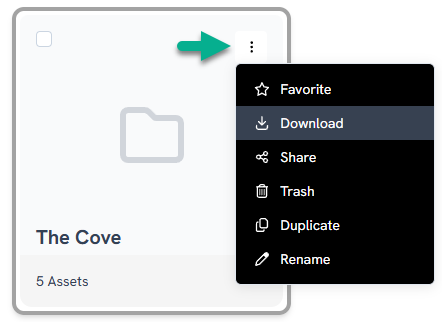
Access the option to delete a folder in the folder view by clicking on the three dots.
Deleting Folders When Viewing Assets
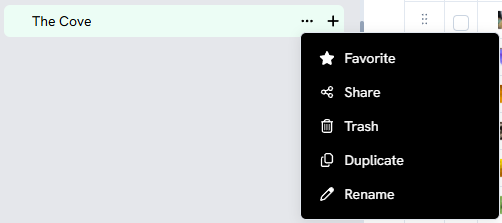
In the Asset View, the folders appear in the sidebar. Click on the three dots beside a folder name to access the Trash option.
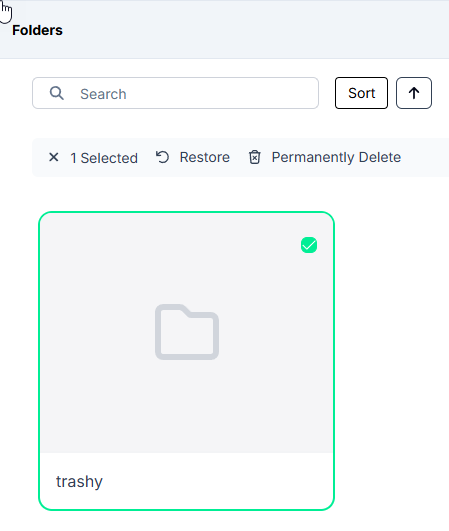
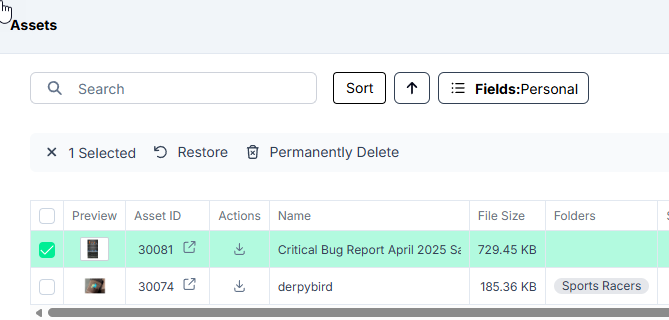
Accessing the Trash to Permanently Delete or Restore Folders or Assets
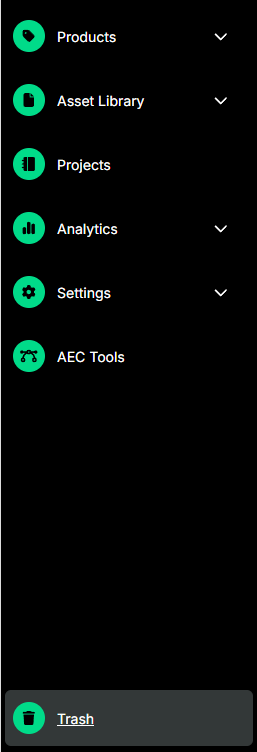
Access the Trash using the sidebar menu on the left.
You can navigate and browse the contents of Trash.
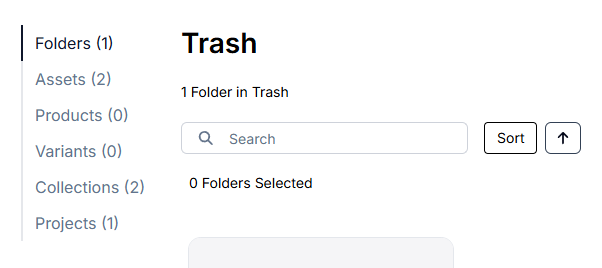
Select Folders, Assets, Product Families, Products, Collections, or Projects to Restore or Permanently delete.