Project Template
Adding Your Project Details
Written By El
Last updated 5 months ago
Adding Project Details
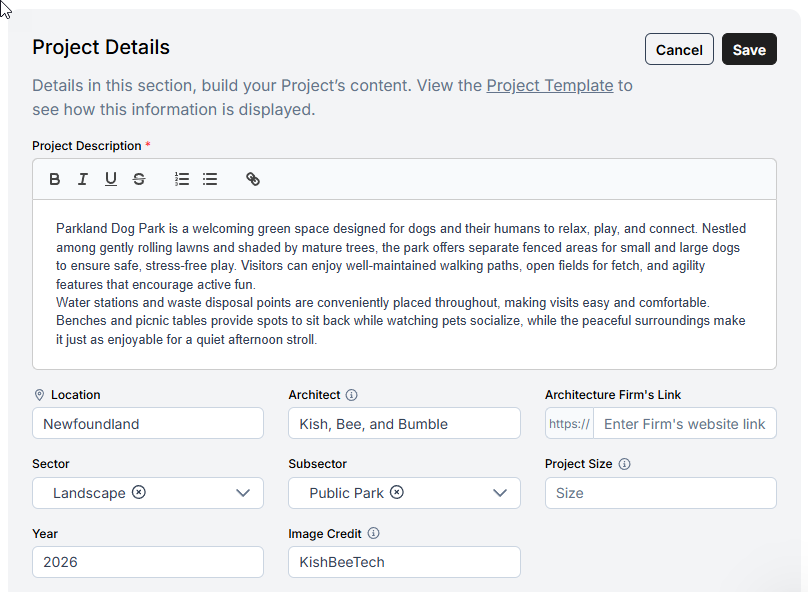
Select Edit to add your fields and here you can indicate:
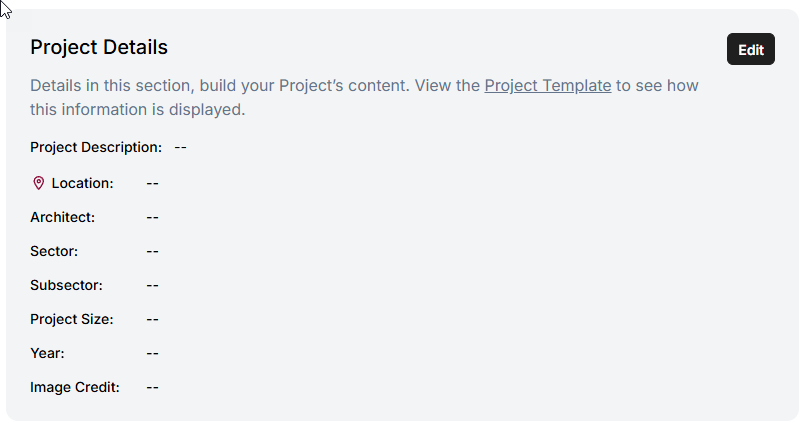
Project Description
Location
Architecture Firm: The primary firm for this project.
Architecture Firm Link: Add the primary firm URL.
Sector: Use the drop down to select the relevant industry sector.
Subsector: Use the drop down to select the relevant industry subsector.
Project Size: Enter the project size using the best available metric such as total area, number of units.
Year
Image Credit: Name of the photo owner or copyright holder.
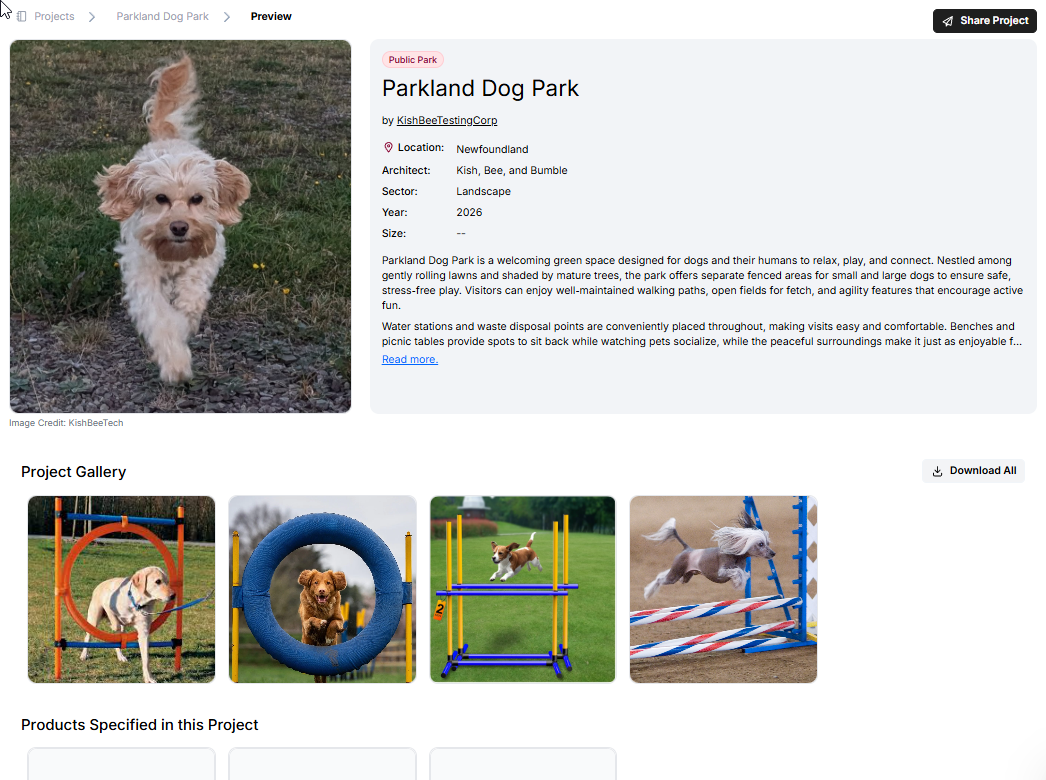
Preview Your Project
Select Preview at the top right.

If your Project has been filled out, you will be able to see what the Project will look like for others. You can also share your project from here.