Editing Assets
Edit your Asset fields in Prodify.
Written By El
Last updated Almost 2 years ago
Assets can be edited in both the Table and Form views.
Editing Assets in Table View
In Table View, you can edit attributes such as the Asset name, Status, Tags, Folders, and Asset type. To begin editing, click "Edit" in the top right, make your changes, and then click "Save."
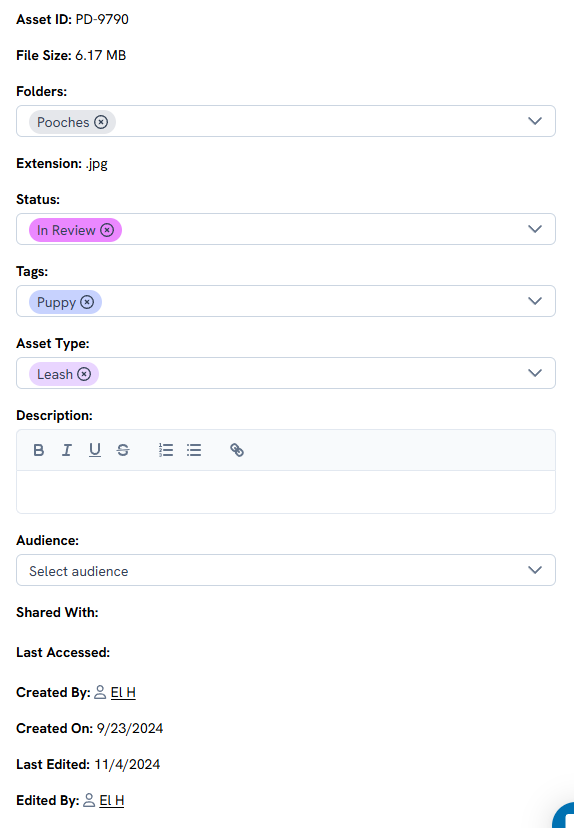
Editing Assets in Form View
To edit an asset in Form View, click the arrowed cube in the Asset ID column.

In Form View, you can edit attributes like the Asset name, Status, Tags, Folders, Description, Audience, and Asset type. Click "Edit" in the top right to start, and be sure to save your changes when you're finished.