Viewing Assets
Three ways to view your Assets.
Written By El
Last updated Almost 2 years ago
Prodify offers three ways to view your assets:
Table View
Gallery View
Form View
By default, Table View is the first view you will see when you access Assets.
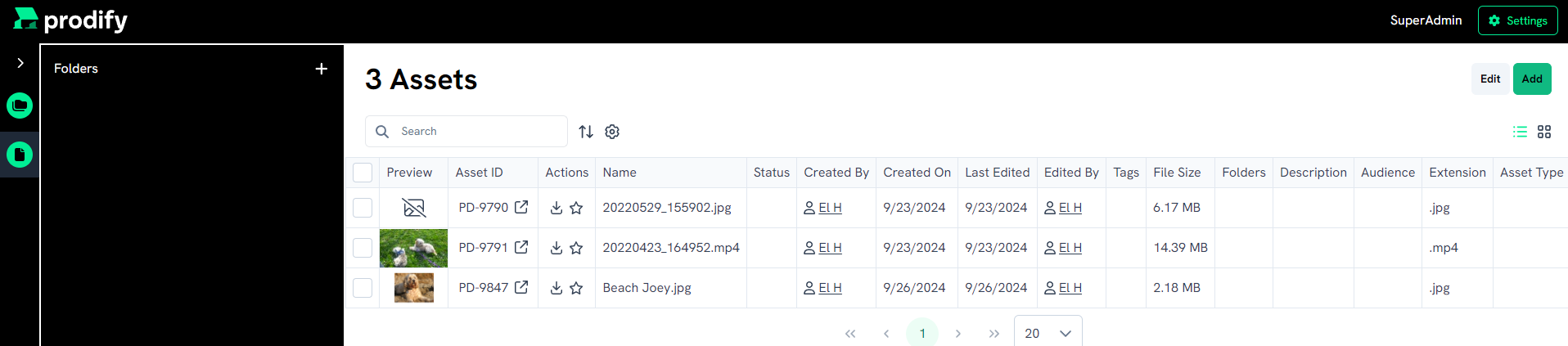
To switch to Gallery View, click the icon with four squares in the top right.

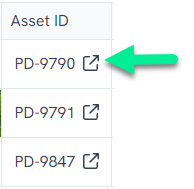
To switch to Form View from Table View, click the arrowed cube under the Asset ID.