Adding Folders
Adding folders in Prodify
Written By El
Last updated About 1 year ago
You can access folders through either the Asset View or Folder View and add folders as needed.
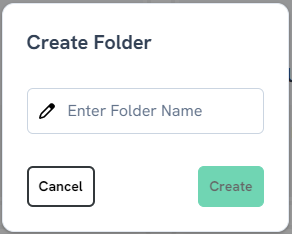
In Folder View, click "Add" in the top right corner to create a new folder. You will then be prompted to enter a folder name.

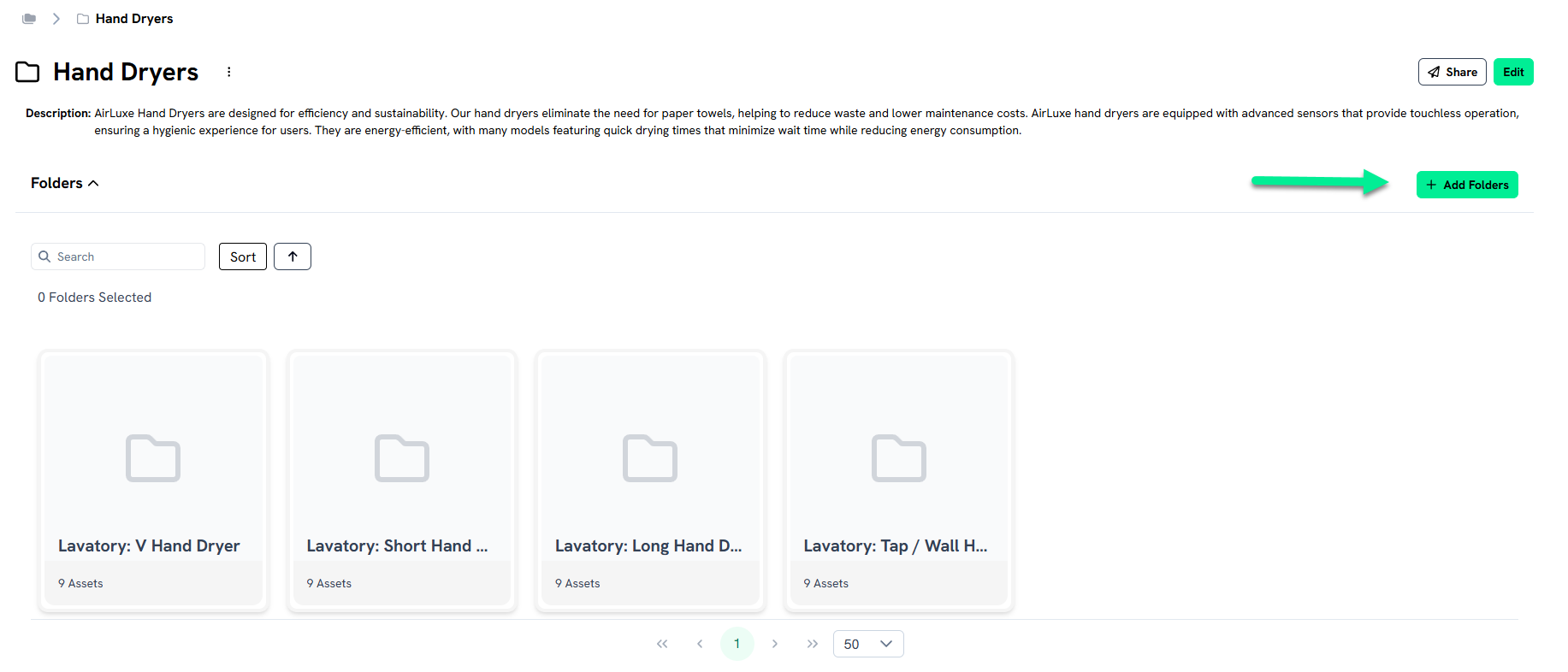
In the Folder VIew, if you are already in a folder and want to add a subfolder, you can add the subfolder to a folder you are viewing.
In Asset View, click the plus icon in the left-hand navigation to create a new folder.
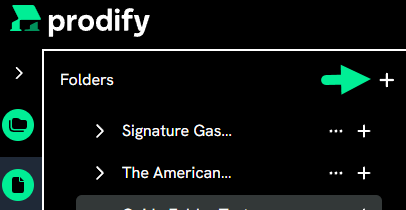
Create subfolders by clicking the plus icon beside a folder.
